

The Ultimate Website Maintenance Checklist for Business Success
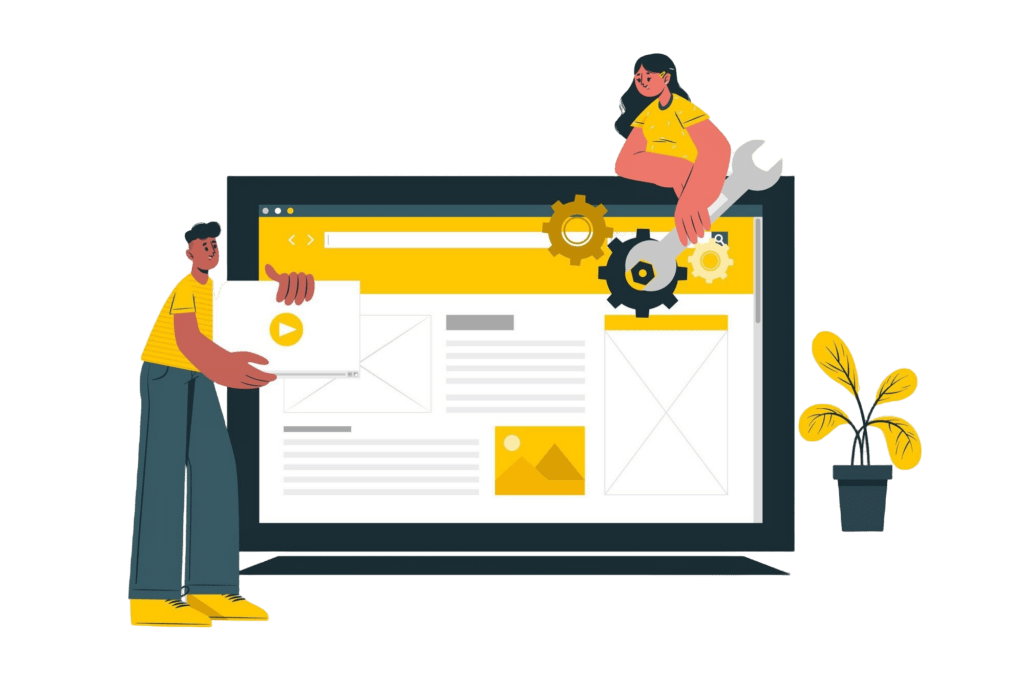
The Ultimate Guide to Website Maintenance: Why It Matters and How to Get It Right
In today’s digital age, your website is the cornerstone of your online presence. It’s the first impression customers have of your business, and maintaining it is crucial for success. In this blog, we’ll explore everything you need to know about website maintenance—what it is, why it’s essential, and how you can ensure your site stays in top shape.
What is website maintenance?
Website maintenance involves regular updates, checks, and optimizations to keep your website running smoothly. This includes tasks like updating software, fixing broken links, enhancing security, and ensuring optimal performance. Think of it as routine servicing for your website to keep it functional and engaging.
Why is Website Maintenance Important?
Here are some compelling reasons why website maintenance should be a priority:
1. Improved Security
Outdated software and plugins are vulnerable to hacking. Regular maintenance ensures that your website is protected with the latest security updates.
2. Enhanced User Experience
Broken links, slow-loading pages, or outdated content can frustrate visitors. Maintenance ensures a seamless user experience, keeping your audience engaged.
3. Better SEO Performance
Search engines prioritize websites that are fast, secure, and up-to-date. Regular maintenance helps improve your search engine rankings.
4. Increased Credibility
A well-maintained website reflects professionalism and builds trust with your audience.
5. Cost-Effective in the Long Run
Ignoring maintenance can lead to significant issues down the road. Proactive upkeep saves time and money by preventing major problems.
Key Website Maintenance Tasks
To keep your website in top-notch condition, focus on these essential maintenance tasks:
1. Update Software and Plugins
Ensure your CMS, plugins, and themes are up-to-date to minimize vulnerabilities.
2. Backup Your Website Regularly
Regular backups safeguard your data and make it easier to recover in case of emergencies.
3. Monitor Website Speed
Use tools like Google PageSpeed Insights to identify and fix performance bottlenecks.
4. Fix Broken Links
Broken links can hurt your SEO and user experience. Regularly check and repair them.
5. Test Forms and Checkout Processes
Ensure all forms, especially contact and e-commerce checkout forms, function correctly.
6. Review Analytics
Analyze website traffic and performance data to identify areas for improvement.
7. Check Security
Install SSL certificates, use secure passwords, and run security scans to protect your site.
DIY vs. Professional Website Maintenance
While some tasks can be handled in-house, professional website maintenance services offer expertise and save time. Companies like URTechnology provide comprehensive solutions tailored to your needs, ensuring your website remains fast, secure, and optimized for success.
How Often Should You Perform Website Maintenance?
- Daily: Check for broken links and ensure all functionalities work.
- Weekly: Update software, monitor analytics, and test performance.
- Monthly: Perform full backups, review SEO, and audit security.
- Quarterly: Update content, review user experience, and evaluate overall performance.
Conclusion
Investing in website maintenance is investing in the success of your online business. A well-maintained website not only attracts more visitors but also keeps them coming back. Whether you handle maintenance yourself or hire professionals, make it a priority to stay ahead in the competitive digital landscape.
Ready to elevate your website’s performance? Contact URTechnology today and let our experts handle your website maintenance needs!